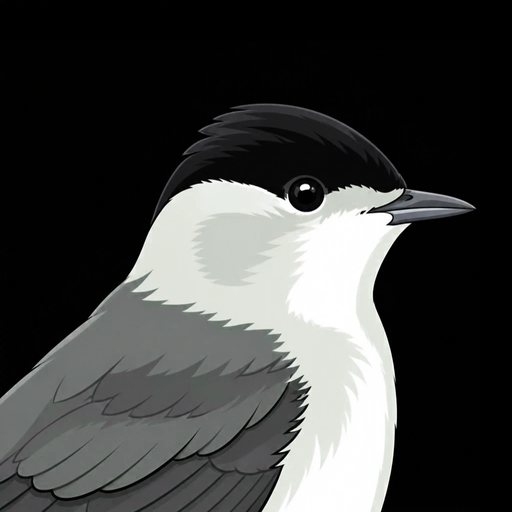
 Blackcap

Where should the bridge go? Is the second verse too long? The quickest way to find out is to play it. Play Parts Live turns your song's parts into pads you can play in any order.
- On the Song screen, tap Play Parts Live. Your song's parts appear along the bottom.
- Tap a part: it plays round and round.
- While it plays, tap the next part. It comes in when this part ends, right on the beat (or, if you choose On the Next Bar, at the next bar line). Tap it again to change your mind.
- Everything follows: the band, your recordings and every instrument.
- Press Stop. If you like the order you played, tap Use as the Song Order. Undo puts the old one back.